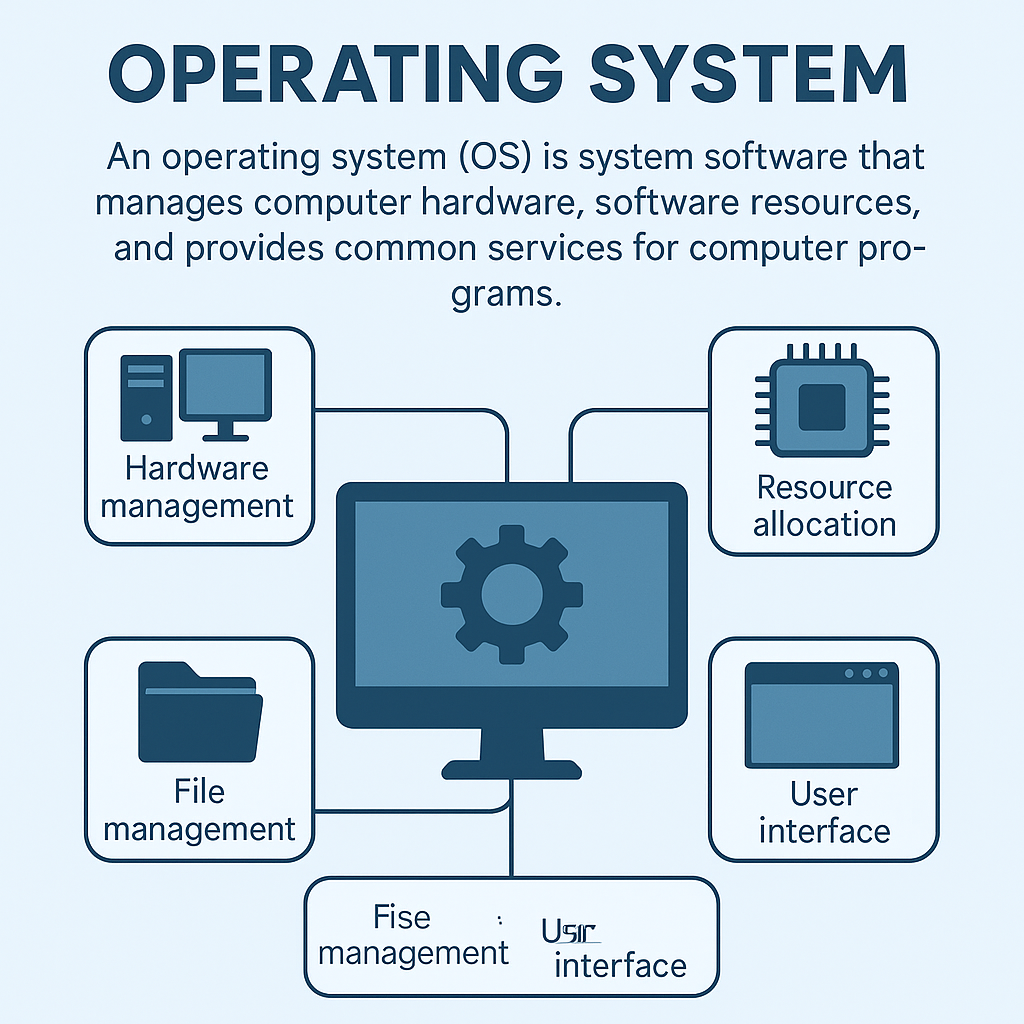
An Operating System (OS) is system software that manages computer hardware and software.
It acts as a bridge between the user and the computer.
1. What is an Operating System?
2. Functions of Operating System
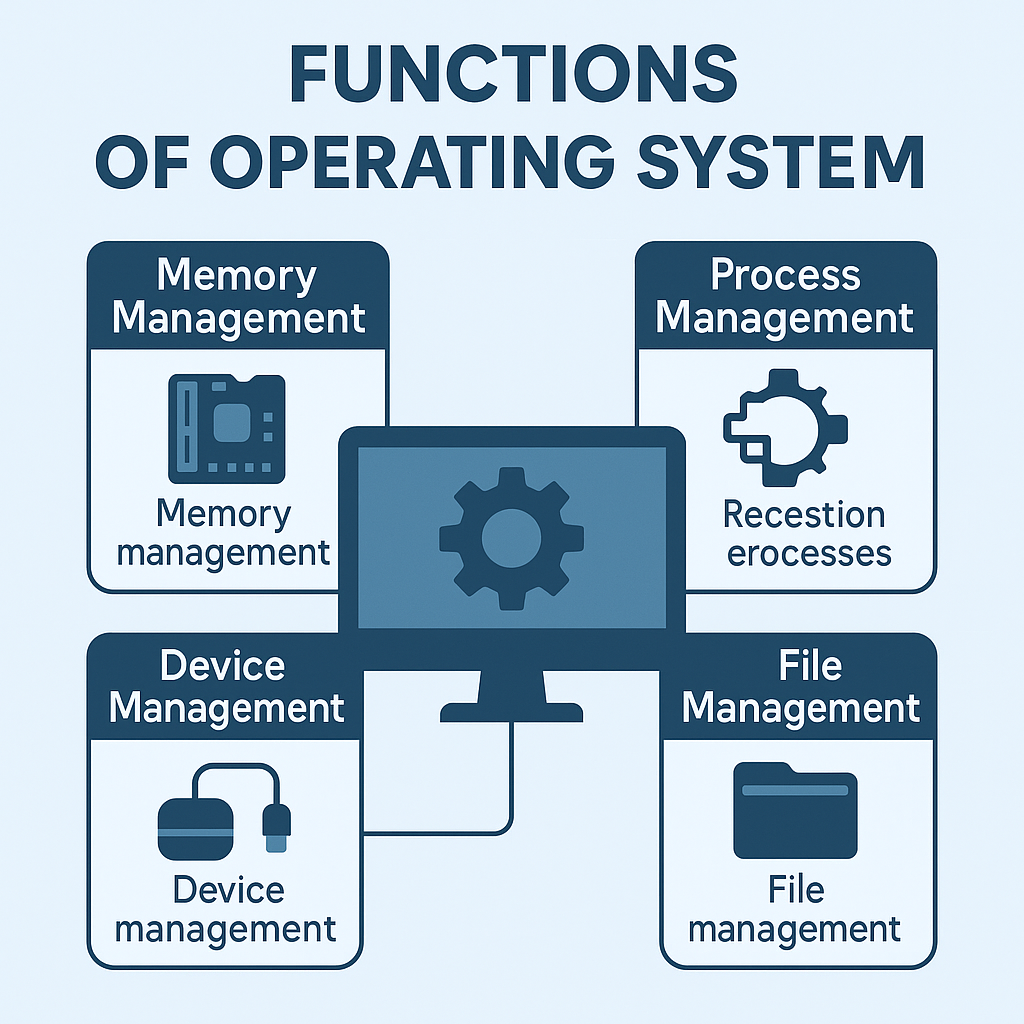
- Memory Management - Manges RAM allocation.
- Process Management - Runs and controls programs.
- File Management - Creates, deletes and organizes files.
- Device Management - Controls keyboard, mouse, printer.
- Security - Password & data protection.
- User Interface - GUI or Command Line.
3. Types of Operating Systems
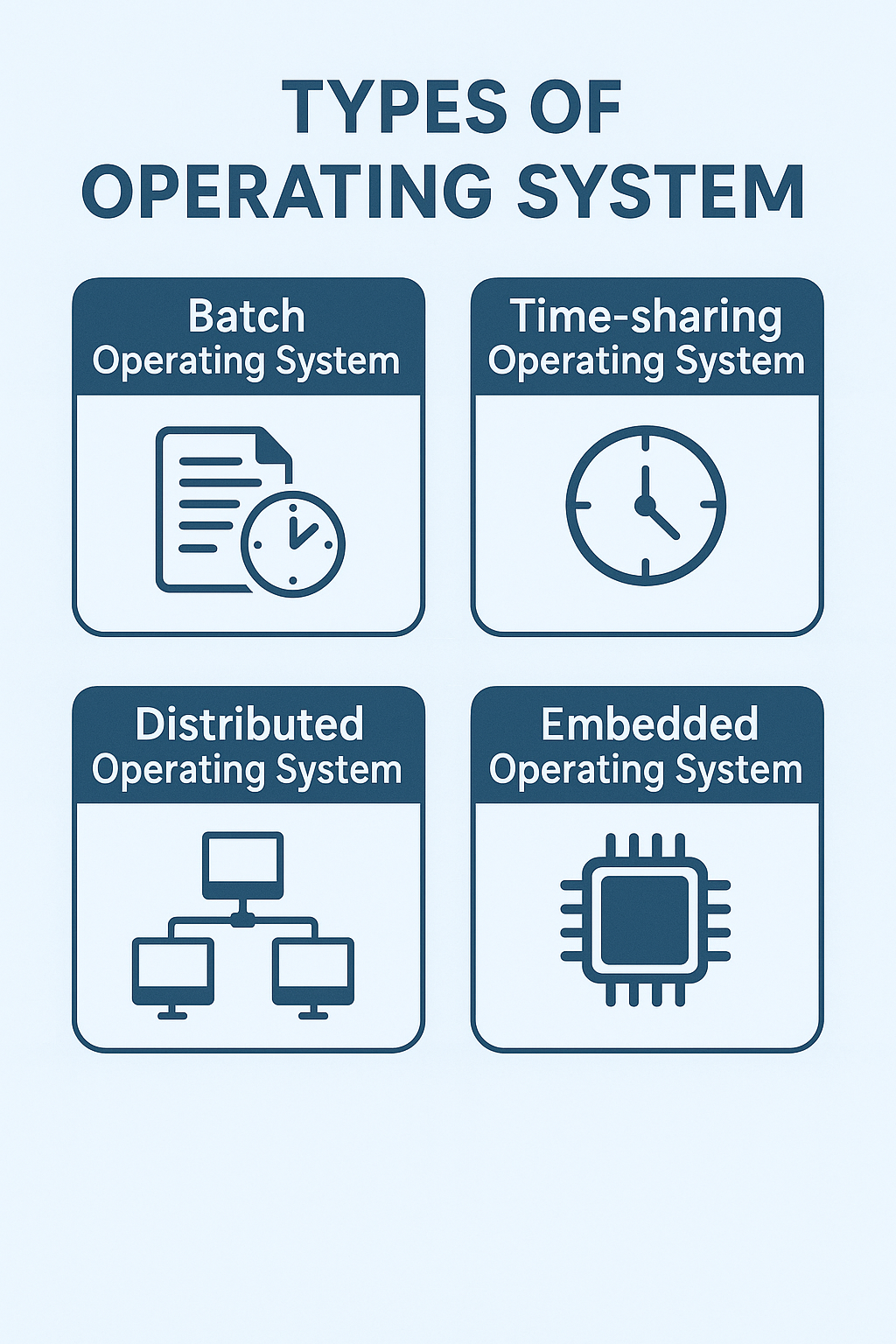
- Batch OS - Worls on batches of jobs.
- Time-Sharing OS - Multiple users share CPU time.
- Distributed OS - Runs on multiple machines.
- Real-Time OS - Immediate response (defence, robots).
- Mobile OS - Android, iOS
4. Types of User Interfaces
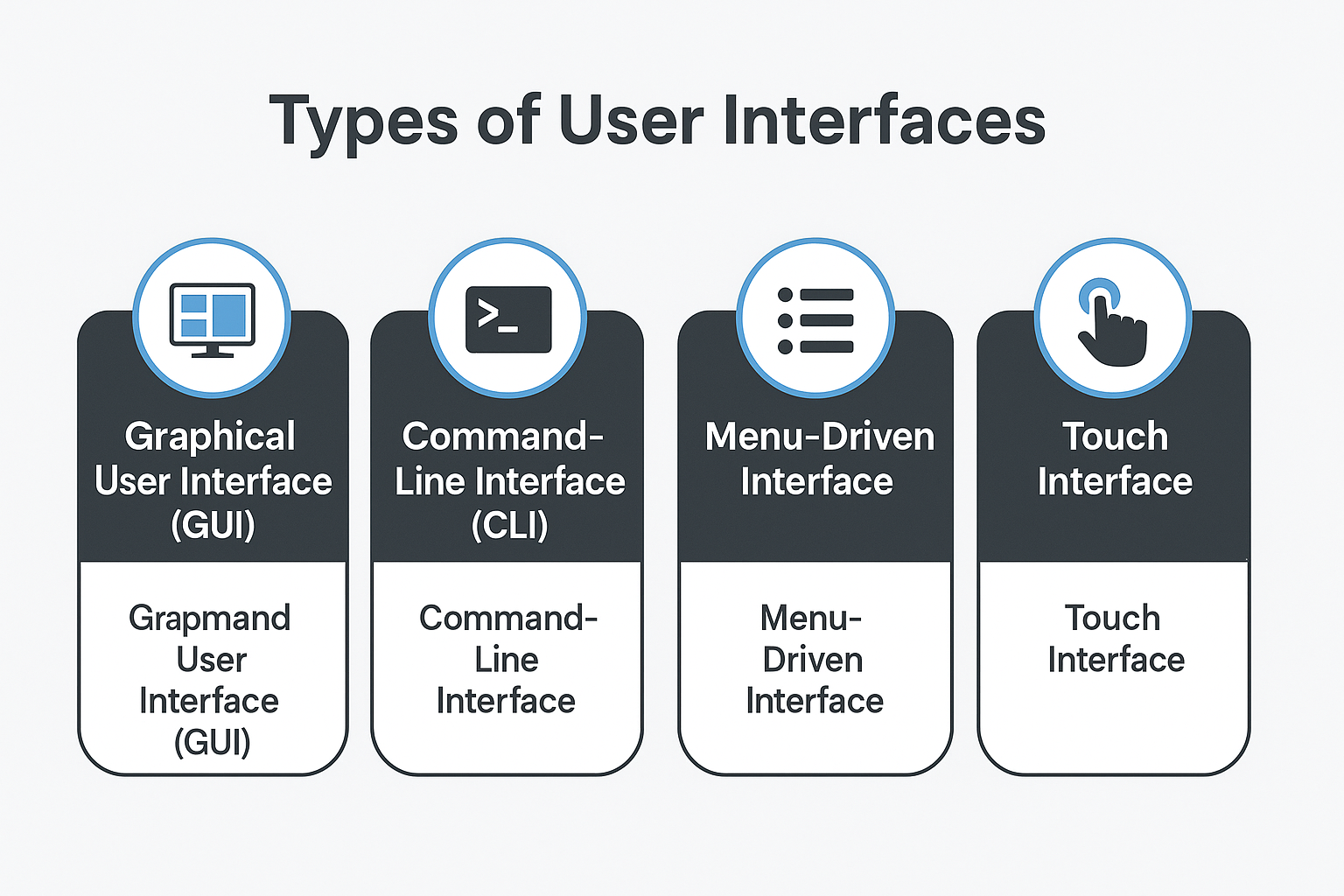
- GUI (Graphical User Interface)
- Commands typed manually
- Example: Linux Terminal, CMD
5. Examples of Operating Systems
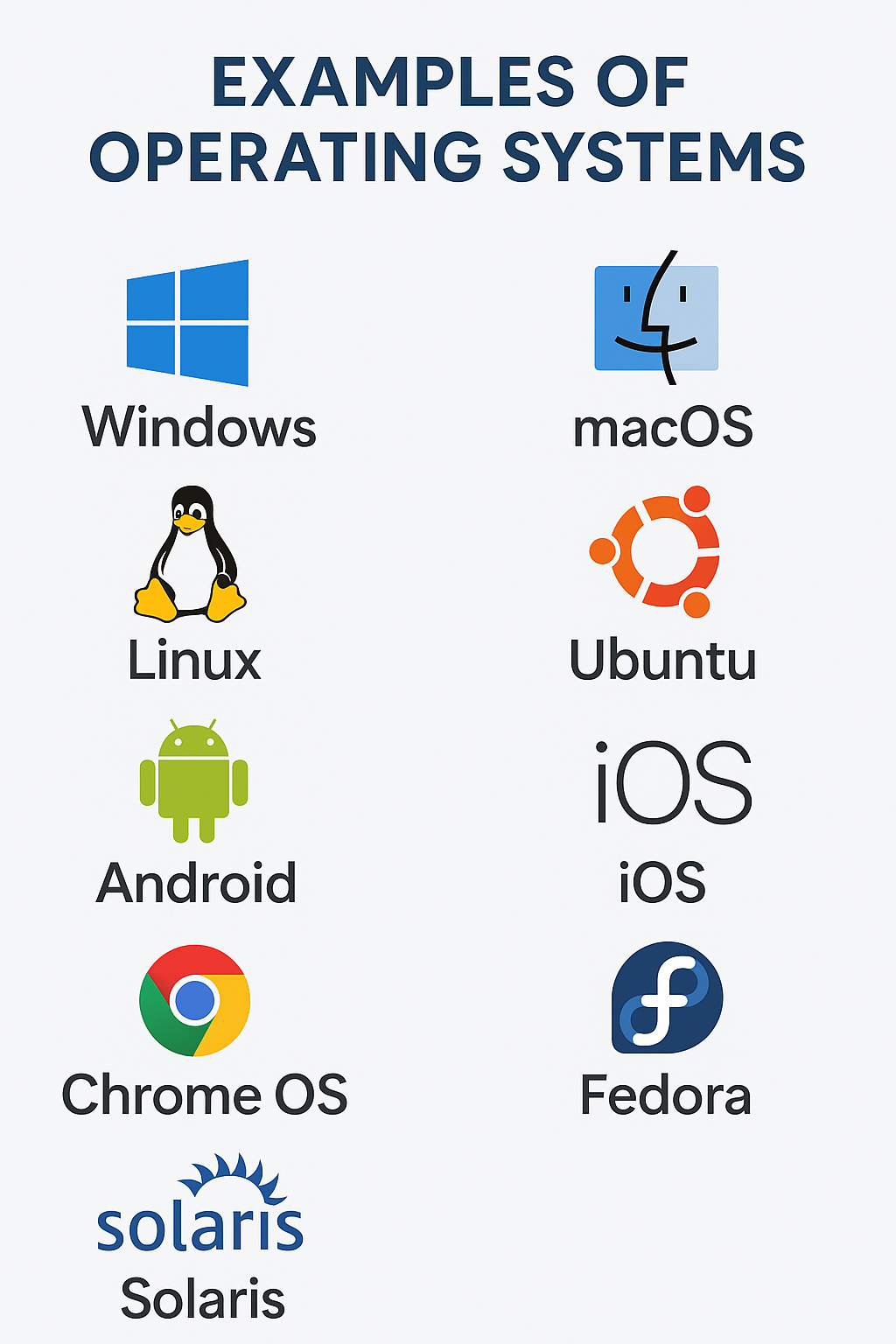
- Windows
- Linux
- macOS
- Android
- iOS
Which OS is open-source? → Linux
6. Booting Process
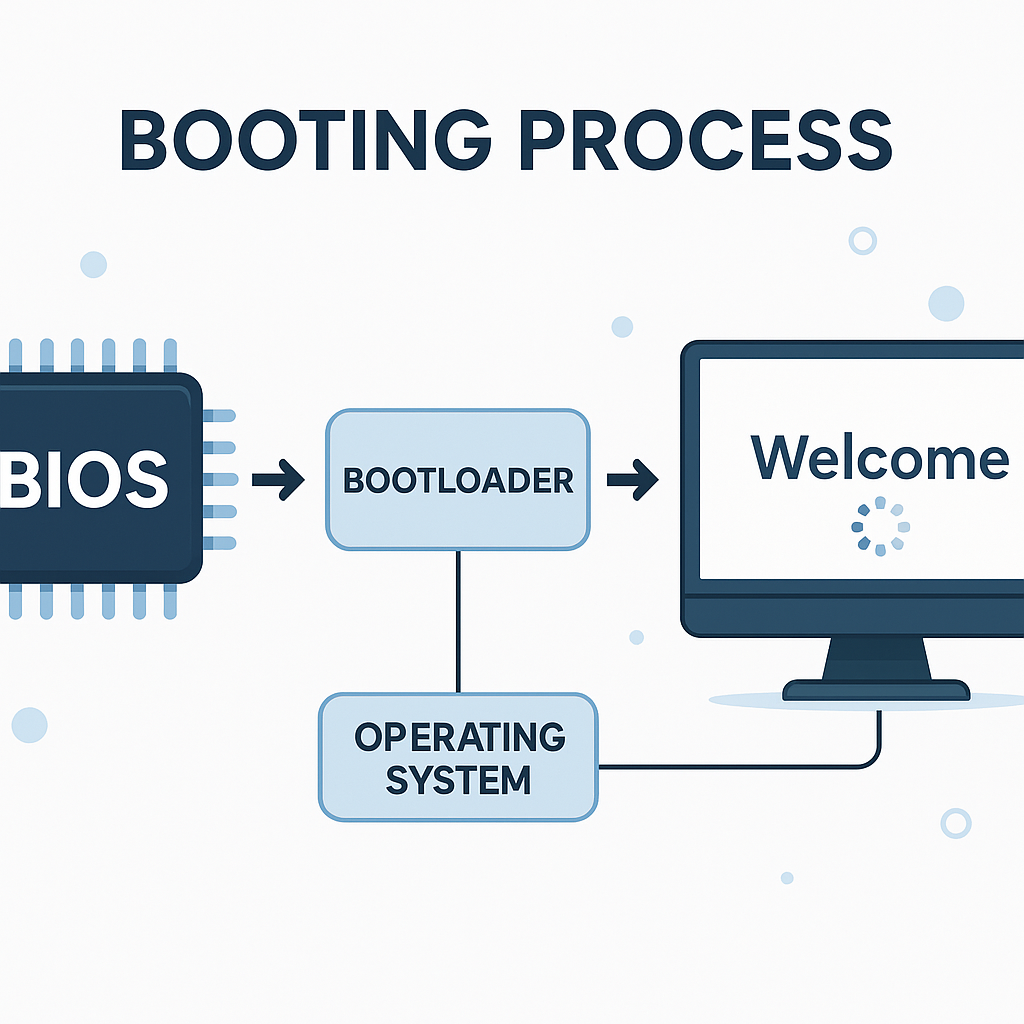
Booting is the process of starting a computer.
- Cold Booting
- Starting computer from OFF state.
- Warm Booting
- Restarting a running computer.
- BIOS
- Basic Input Output System - stored in ROM.
7. File Systems
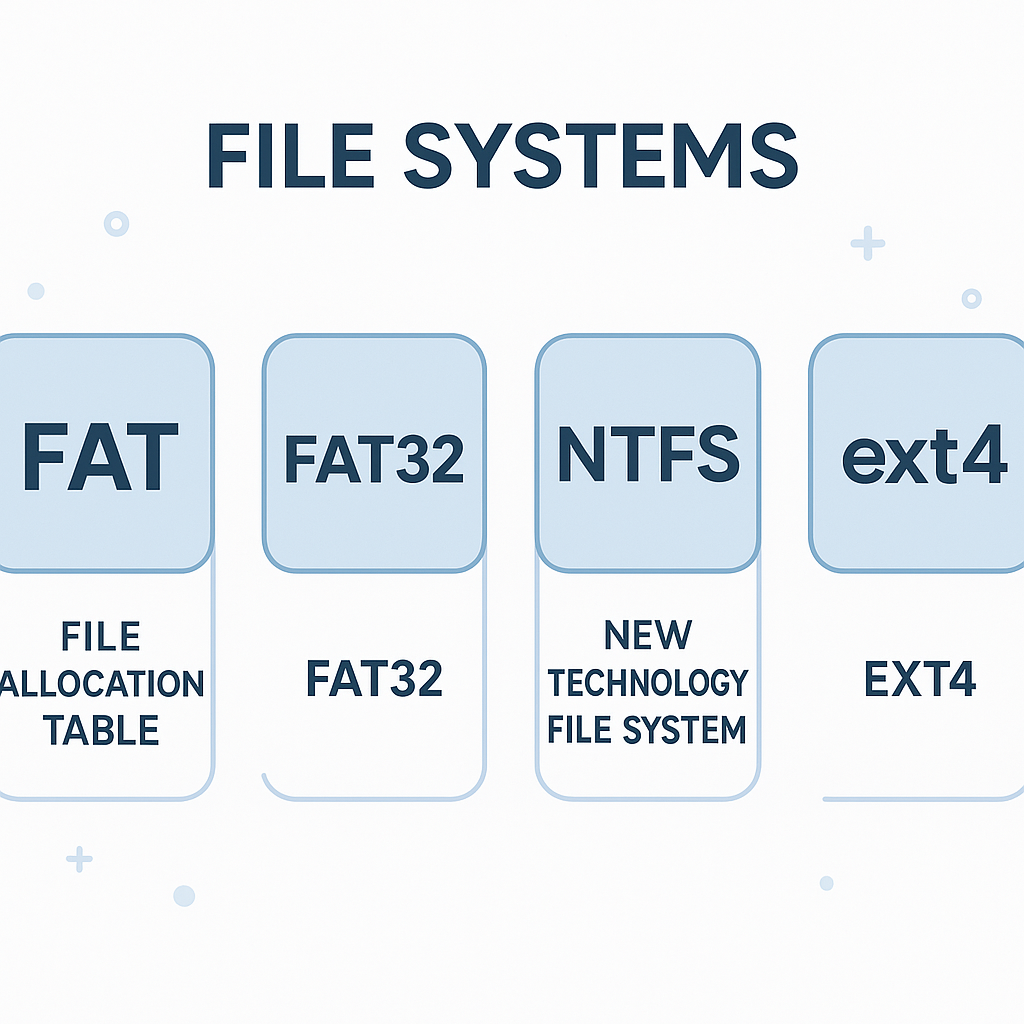
- NTFS - Windows
- FAT32 - Pen drives
- ext4 - Linux
8. Important Exam Points
- OS is system software.
- Linux is open-source.
- GUI uses icons & windows.
- CLI uses commands.
- BIOS is stored in ROM.
- Android OS is based on Linux.